
Find a date before or after a chosen starting point
Choose a starting date, select addition or subtraction, and enter a whole-number duration with its unit. The result shows the new calendar date, its weekday, and the actual difference in days. Days and weeks advance by fixed day counts, while months and years follow the calendar. When the target month lacks the starting day number, the calculator uses that month's final day and identifies the adjustment. This distinction matters around January 31 and February 29. A month is not always thirty days, and a year is not always 365 days. Keep the date-counting convention clear when planning anniversaries or reminders.
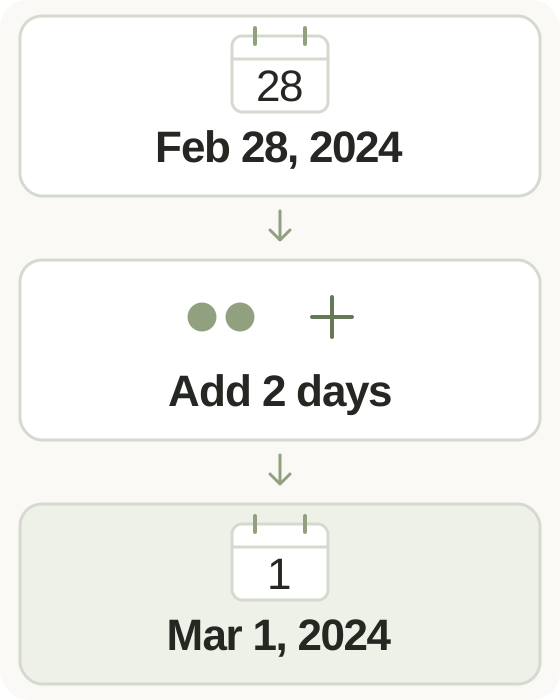
Step-by-step instructions and example screen
From input to result
- Select the starting calendar date.
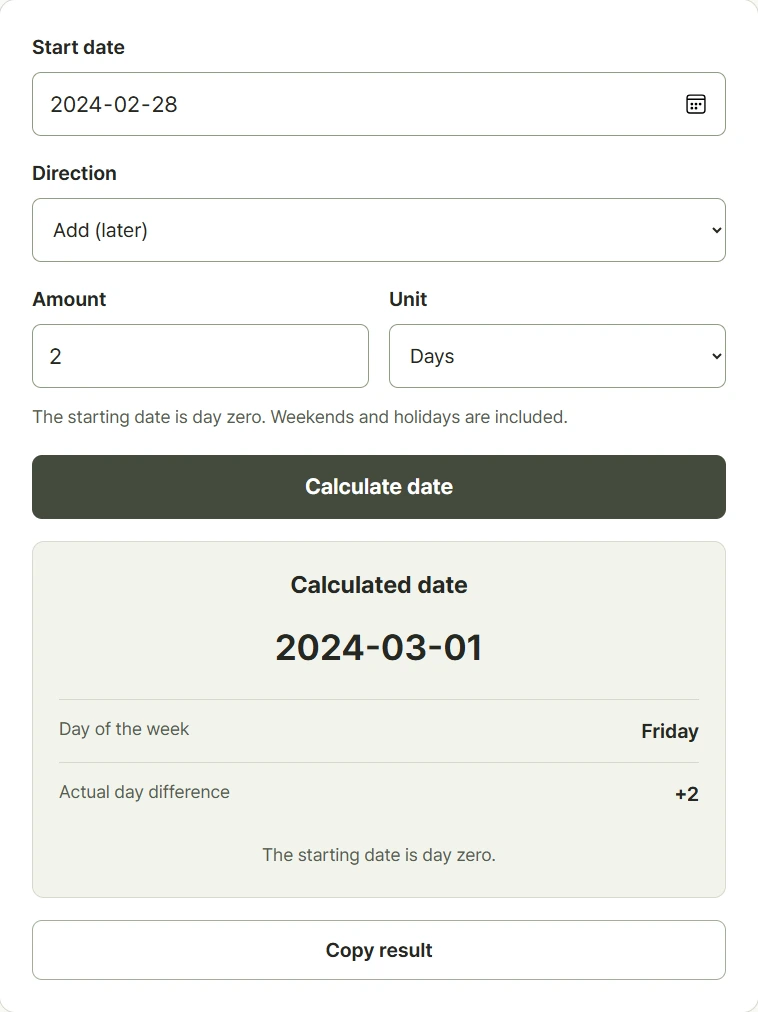
- Choose add or subtract, enter a whole-number duration, and select days, weeks, months, or years.
- Calculate and check the resulting date, weekday, day difference, and any month-end adjustment.
When to use this tool
Plan a reminder
Subtract seven days from an event date to find a reminder date one calendar week before the event.
Check a date one hundred days later
Add one hundred days for the date after that elapsed interval. If counting the starting day as day one, the hundredth counted date is ninety-nine days later.
Compare monthly schedules
Add a calendar month to inspect the same day number next month and review the adjustment when the destination month is shorter.
Examples and calculation method
Worked examples
| Starting date | Operation | Result |
|---|---|---|
| 2026-01-01 | Add 2 weeks | 2026-01-15 |
| 2026-01-31 | Add 1 month | 2026-02-28, adjusted to month end |
| 2024-02-29 | Add 1 year | 2025-02-28, adjusted to month end |
Calendar months and end-of-month adjustment
One week moves seven days. Month and year calculations first select the destination month, then retain the original day where it exists. Otherwise, the day is reduced to that month's last valid date. This adjustment means repeated one-month operations can differ from adding several months at once. Durations are whole numbers from zero to 1,000,000, and both input and resulting dates must fall between years 1900 and 9999.
Understanding your result
- Use whole-number durations; choose the unit deliberately because one month and thirty days can differ.
- Month-end adjustments can make repeated calculations differ from one larger operation.
- The day difference includes weekends and holidays and is not a business-day or legal-deadline calculation.
Frequently asked questions
Frequently asked questions
What happens when a month has no matching day?
The calculator uses the last day of the destination month. For example, January 31, 2026 plus one month becomes February 28, 2026.
Is adding one month the same as adding thirty days?
No. Month lengths vary. Month mode follows the calendar; day mode always moves the specified number of days.
Why can two one-month steps differ from adding two months?
An intermediate month can shorten the day number. January 31 plus two months is March 31, while stepping through February 28 can lead to March 28.
Does it skip weekends and holidays?
No. It performs calendar arithmetic. Business-day calendars and institution-specific deadlines are not applied.