
See how many days remain before an event
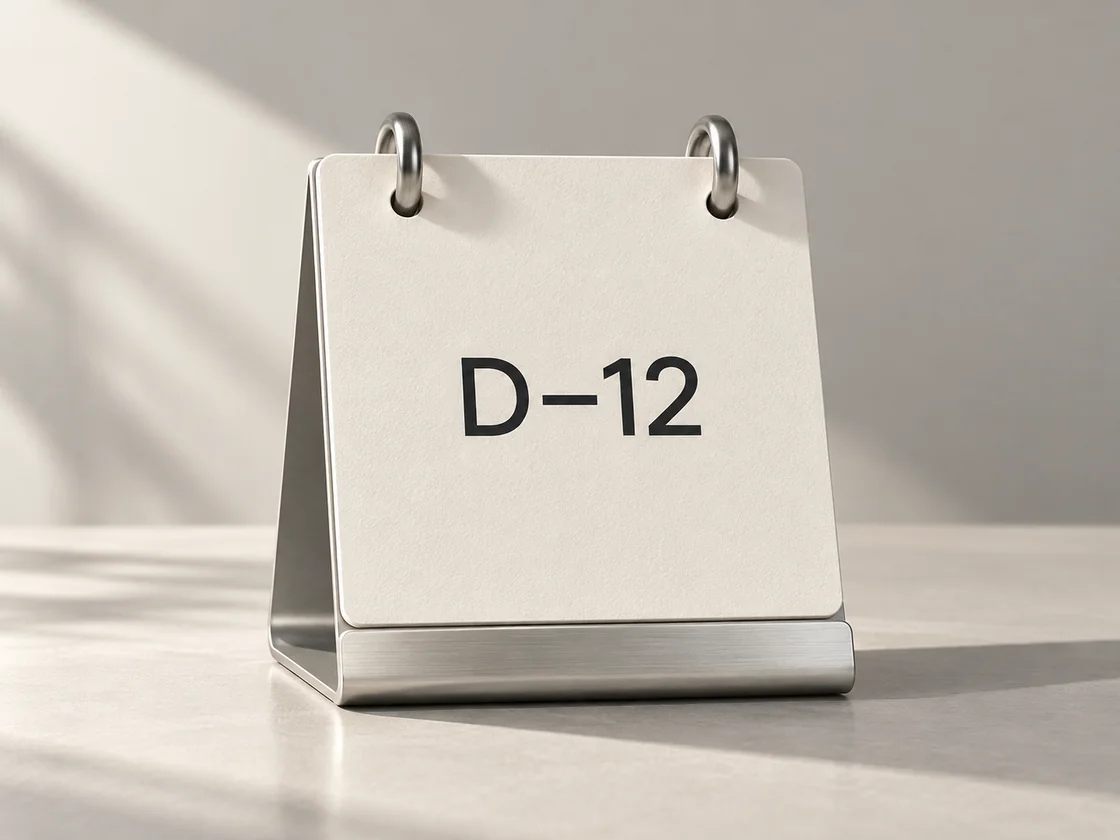
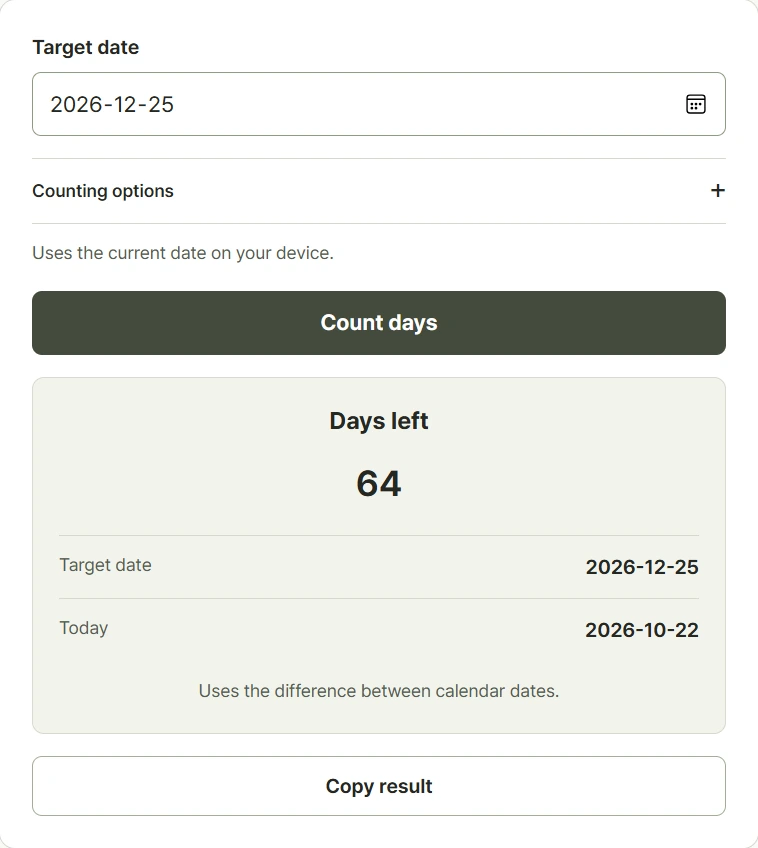
Choose a target date to compare it with today's date on your device. A future date displays D-minus, a past date displays D-plus, and a target that is today displays D-DAY under the default setting. Use this view for an exam, a trip, or an anniversary you want to keep in mind. Check the selected target before comparing results from different events. Include today only when you want to count the current date as day one. If you need to choose both endpoints yourself, use the date difference calculator instead of this countdown view.
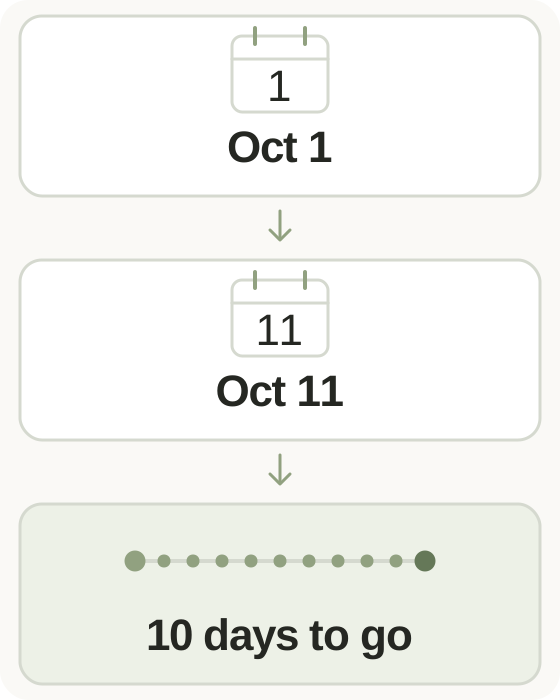
Step-by-step instructions and example screen
From input to result
- Select the date of your event or anniversary.
- Choose whether today counts as day one.
- Calculate and read whether the date is upcoming, today, or already past.
When to use this tool
Plan for an exam
Set the exam date and read the remaining calendar days, including weekends, before dividing your revision into manageable sessions.
Track a departure date
Choose your trip's departure date and read the remaining days before planning when to pack, confirm reservations, or prepare documents.
Count an anniversary
Choose a past starting date to see days elapsed. Turn on inclusive counting if your convention treats the starting day as day one.
Examples and calculation method
Worked examples
| Today to target | Setting | Display |
|---|---|---|
| October 1 to October 11 | Default | D-10 |
| October 1 to October 11 | Include today | D-11 |
| October 11 to October 1 | Default | D+10 |
Calendar-day differences and counting today
The default result subtracts today's calendar date from the target calendar date. It ignores hours and minutes and includes weekends and public holidays. Including today adds one to the absolute day count, so a target that is today displays D+1. The reference date comes from the device's local calendar, rather than a shared worldwide time zone. Two devices in different time zones can therefore use different reference dates.
Understanding your result
- A target that is today shows D-DAY by default and D+1 when inclusive counting is selected.
- The reference is your device's local date, so it can differ from the date in another country.
- Weekends and public holidays are included; the result is a calendar count, without business-day rules.
Frequently asked questions
Frequently asked questions
What do D-minus and D-plus mean?
D-minus shows days remaining before the target date. D-plus shows days since it. Under the default setting, the target date itself shows D-DAY.
Why does including today add a day?
The default measures the gap between dates. Inclusive counting treats the current date as a counted day, adding one to the absolute difference.
Does it show an hourly countdown?
No. It compares calendar dates, without counting hours or minutes. Use the time calculator for arithmetic between clock times.
Which date is considered today?
Today is your device's local date. Check your device clock and time zone if that reference date looks wrong.