
Check a list's average alongside its count and range
Enter numbers separated by commas, spaces, or line breaks, then calculate their arithmetic mean. Each number receives the same weight. The results also show the total, count, median, minimum, and maximum, helping you check which values were included and whether an unusual value affects the average. A typed zero counts as a value, while blank lines do not. Use consistent units before combining scores, spending records, or measurements. Commas separate values, so enter one thousand as 1000 rather than 1,000. If subjects or records carry different weights, their weighted average needs a different calculation from this equal-weight mean.
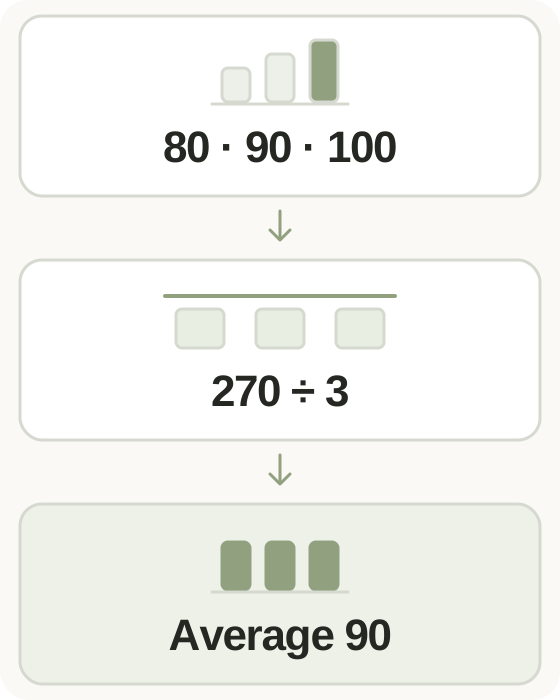
Step-by-step instructions and example screen
From input to result

- Enter numbers separated by commas, spaces, or new lines, without thousands separators.
- Keep all values in the same unit and include zero where it belongs in the data.
- Calculate and review the mean, count, sum, median, minimum, and maximum.
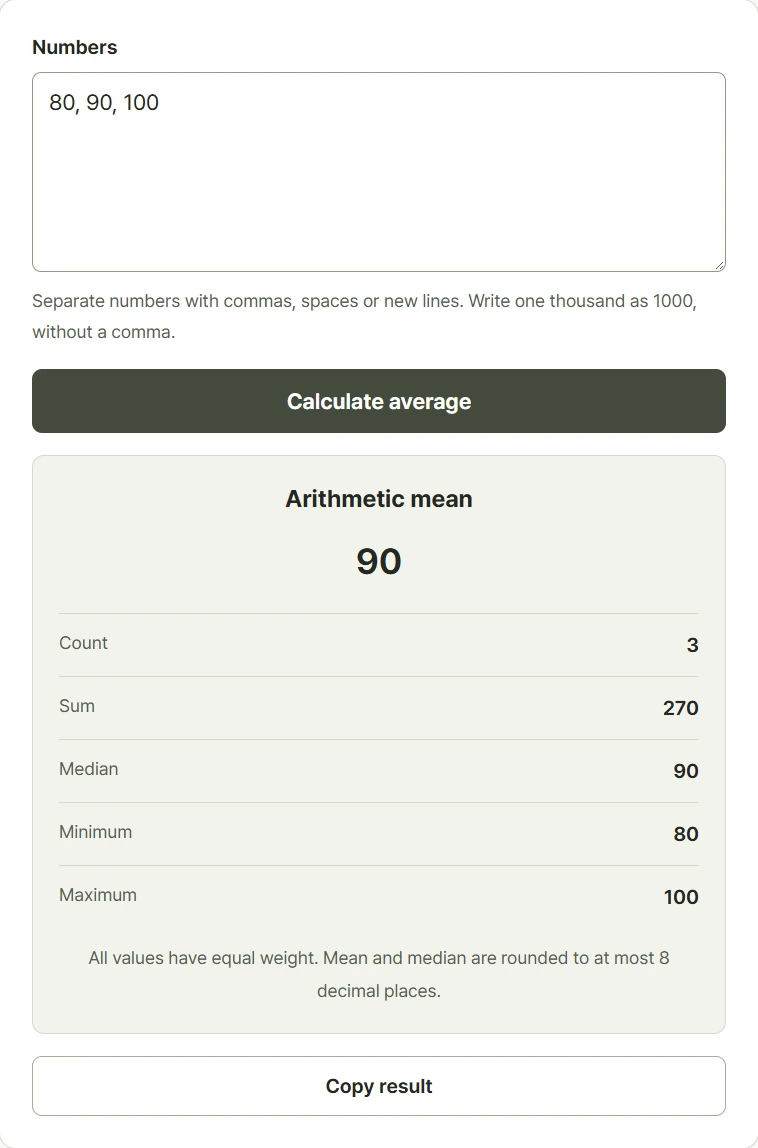
When to use this tool
Average equally weighted scores
Enter eighty, ninety, and one hundred to obtain a sum of 270 and a mean of ninety across three scores.
Review spending entries
Enter 6000, 8000, and 10000 without thousands separators. The equal-weight average is 8000 in the same currency unit.
Compare positive and negative records
Include negatives and zero when they are real observations. The list -10, 0, 10 has a mean of zero.
Examples and calculation method
Worked examples
| Values | Calculation | Mean |
|---|---|---|
| 80, 90, 100 | 270 divided by 3 | 90 |
| 0, 10, 20 | 30 divided by 3 | 10, including zero |
| -10, 0, 10 | 0 divided by 3 | 0 |
Exact decimal sums and displayed rounding
The arithmetic mean divides the sum by the count. The median is the middle sorted value, or the mean of the two middle values when the count is even. Inputs accept up to eight decimal places. The tool aligns decimal places and sums using scaled integers, then rounds the mean and median to eight decimal places. Enter 1 to 1,000 values, each between negative and positive 1,000,000,000,000.
Understanding your result
- Compare the input count and sum with your records to catch missing values or accidental separators.
- A large outlier can move the mean away from most values; compare the median and range as well.
- The limit is 1,000 values with up to eight decimal places each; all entries use equal weight.
Frequently asked questions
Frequently asked questions
Does zero count toward the average?
Yes. A typed zero is one value in both the sum and count. Empty spacing and blank lines are ignored.
Why is 1,000 treated as two values?
Commas separate entries. To enter the number one thousand, write 1000 without a thousands separator.
How are decimals rounded?
Inputs support eight decimal places. The mean and median are rounded to eight decimal places; an exact terminating result may use fewer displayed digits.
Is this a weighted average?
No. Every entered value has equal weight. Different course credits, quantities, or record weights require a separate weighted calculation.