
Reduce a pair or find the matching scaled value
Choose whether to simplify a ratio or resize it. Simplifying reduces a pair of positive whole numbers to its smallest equivalent whole-number pair. Resizing keeps the same relationship while you choose a new first value, then calculates the matching second value. Keep the pair in a consistent order: width to height, ingredient A to ingredient B, or another clearly labeled relationship. Swapping the values changes what the result describes. The resize mode accepts positive decimals, while simplification requires positive integers. Use matching units before entering the pair, particularly when dimensions or quantities were originally measured on different scales.
Step-by-step instructions and example screen
From input to result
- Choose simplify ratio or resize proportion.
- Enter the original pair in a consistent order; for resizing, also enter the new first value.
- Calculate and read the simplified pair or matching second value.
When to use this tool
Reduce a dimension pair
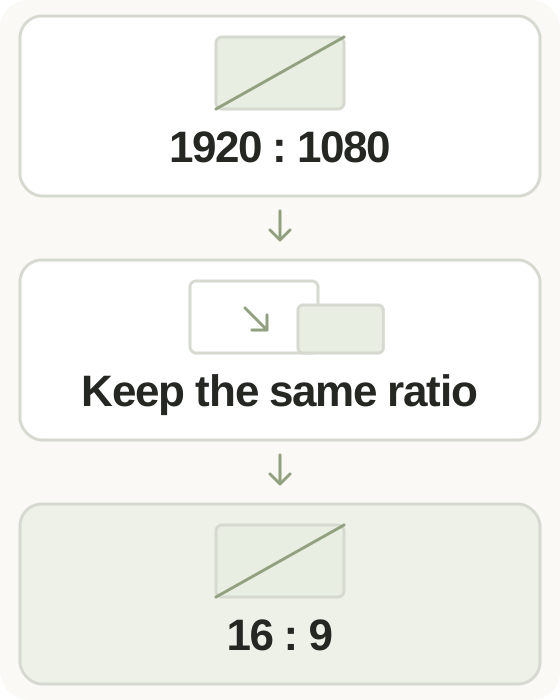
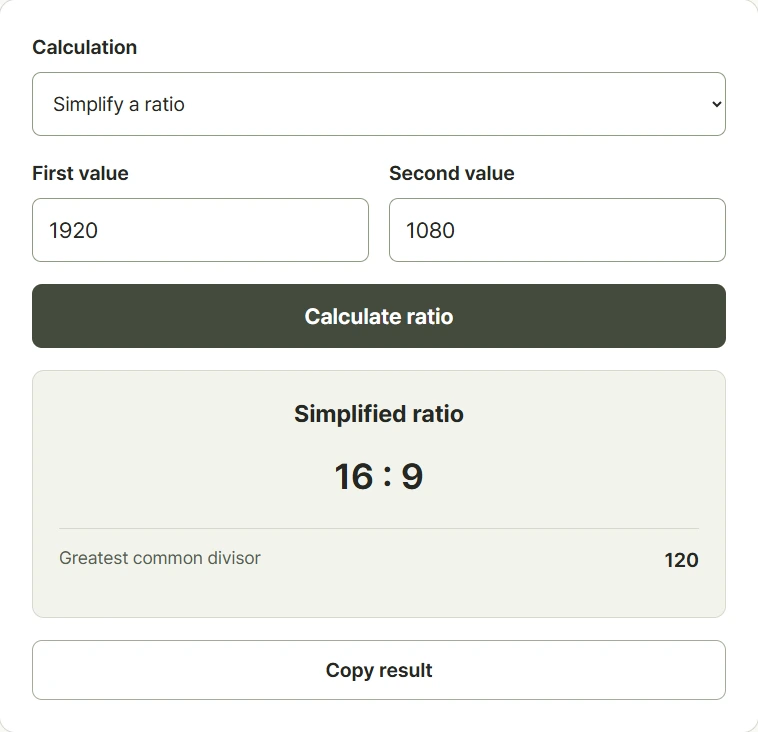
Simplify 1920 to 1080 into 16 to 9 to describe the same width-to-height relationship using smaller whole numbers.
Scale an ingredient pair
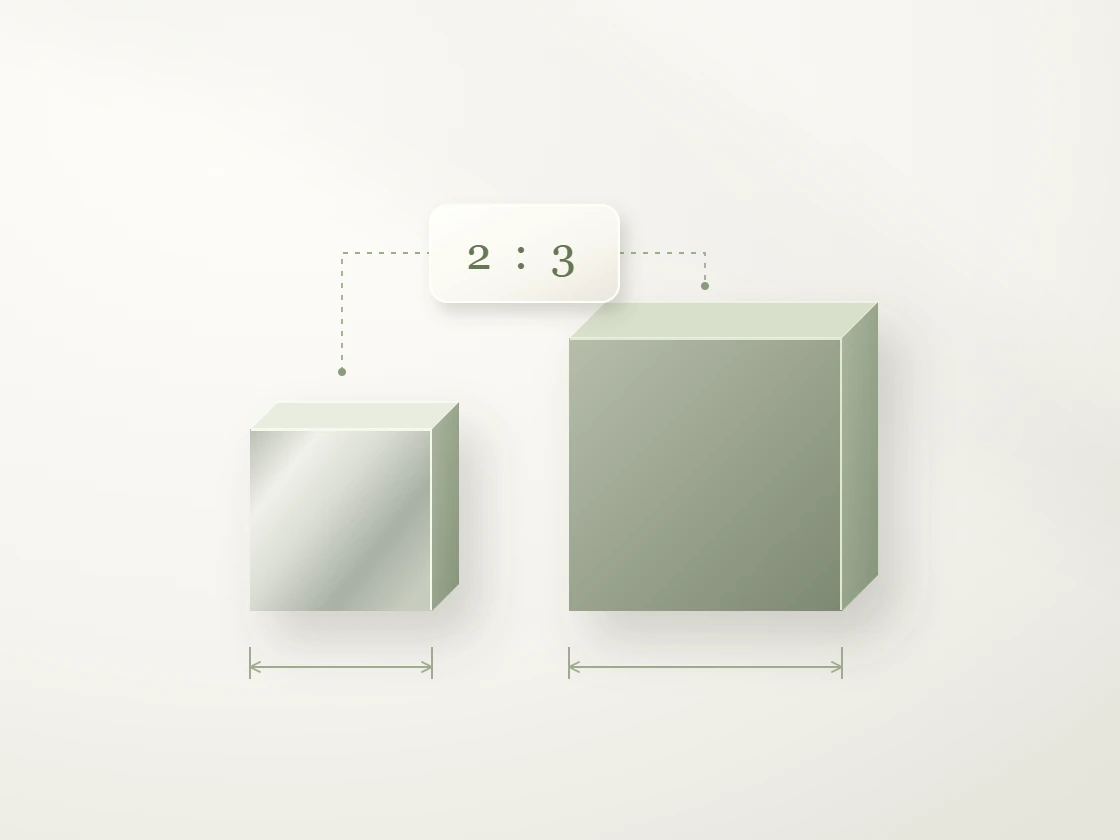
Keep a two-to-three relationship and set the first quantity to eight. The matching second quantity becomes twelve in the same units.
Resize a design
Enter width first and height second, then supply a new width. The calculated height keeps the original proportions.
Examples and calculation method
Worked examples
| Mode | Input | Result |
|---|---|---|
| Simplify | 12 : 18 | 2 : 3 |
| Resize | 2 : 3, new first value 8 | 8 : 12 |
| Resize decimals | 1.5 : 2, new first value 6 | 6 : 8 |
Common divisors and a shared scale factor
To simplify a ratio, divide both integers by their greatest common divisor. Inputs for this mode must be whole numbers from one to 1,000,000,000. To resize a pair, divide the new first value by the original first value to obtain a scale factor, then multiply the original second value by that factor. All three resize inputs must be finite, positive, and no greater than 1,000,000,000. A decimal result may require rounding for a practical measurement.
Understanding your result
- Keep the order consistent: if the first value is width, the new first value must also be width.
- Convert both quantities to compatible units before comparing them; centimeters and meters should not be mixed as bare numbers.
- Simplification requires positive whole numbers. Resize mode accepts positive decimals; each input in either mode must be no greater than one billion.
Frequently asked questions
Frequently asked questions
Can I simplify decimal ratios?
The simplification mode accepts positive integers only. Convert decimals into an equivalent whole-number pair first, or use resize mode when you want a proportional value.
What does the new first value mean?
It replaces the first number in your original pair. The calculator scales the second number by the same factor to preserve the ratio.
Can either side be zero or negative?
No. This tool is designed for positive pairs. Simplification accepts integers from one to one billion, and resizing requires positive values.
Is a ratio the same as a percentage?
A ratio compares two quantities. A percentage usually compares a part with a whole out of one hundred. Choose the relationship your question requires.