
Choose the percentage calculation that matches your question
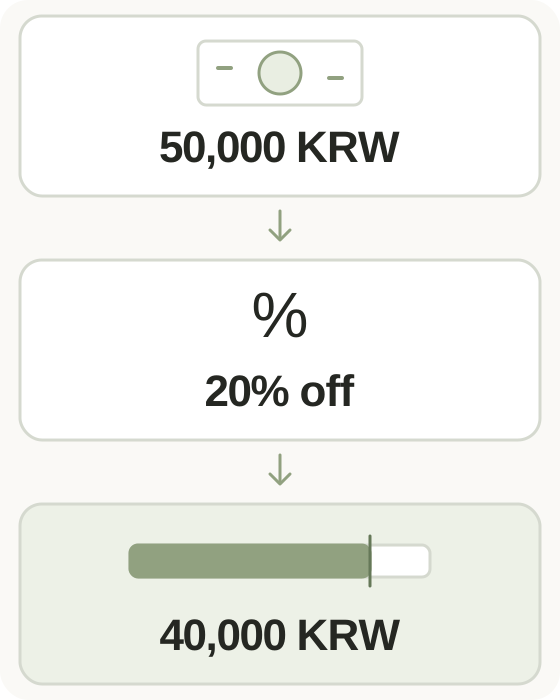
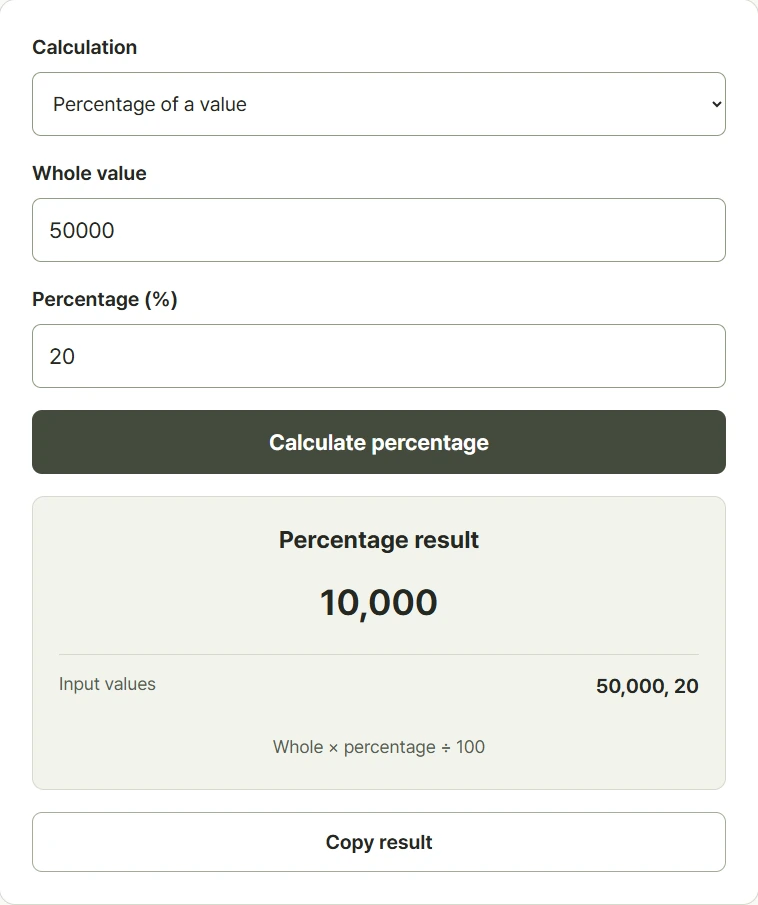
Start by choosing what you want to find: a percentage of a value, the share represented by a part, the change between two values, or the price after a discount. These questions can use the same numbers but produce different answers. For example, twenty percent of 50,000 is 10,000, while a twenty percent discount leaves a final price of 40,000. Read the field labels before entering your numbers, then check the displayed formula. A percentage change always depends on the original value, so reversing the old and new values changes the answer. Decimal inputs are supported where the selected calculation permits them.
Step-by-step instructions and example screen
From input to result
- Select percentage amount, share, percentage change, or discounted price.
- Enter the two values in the fields for that calculation.
- Calculate and check the result against the formula shown beneath it.
When to use this tool
Check a sale price
Choose discounted price for an item costing 50,000 with twenty percent off. The answer is the amount remaining to pay.
Measure a completed share
If eighteen of twenty-four tasks are complete, use the share calculation with twenty-four as the whole and eighteen as the part.
Compare an increase
Moving from eighty to one hundred is a 25% increase. Moving back from one hundred to eighty is a 20% decrease.
Examples and calculation method
Worked examples
| Calculation | Inputs | Result |
|---|---|---|
| Percentage amount | 20% of 50,000 | 10,000 |
| Discounted price | 50,000 with 20% off | 40,000 |
| Percentage change | 50,000 to 60,000 | +20% |
The base value determines the percentage
A percentage amount is whole times rate divided by 100. A share is part divided by whole times 100. Percentage change uses new minus old, divided by the absolute value of old, times 100. Shares and changes cannot use a zero denominator. Discounted price is original price times one minus the discount rate divided by 100. Discounts require a nonnegative price and a rate between zero and 100 percent.
Understanding your result
- Check which input is the whole or original value; swapping the inputs can change the meaning of the calculation.
- Adding 20% and then subtracting 20% does not restore the starting value because the second percentage uses a changed base.
- Displayed decimal results are rounded to at most eight decimal places; use the appropriate rounding rule for your final figures.
Frequently asked questions
Frequently asked questions
What is the difference between a discount amount and final price?
The discount amount is what you save. The final price is the original price minus that saving. Twenty percent of 50,000 is 10,000; the final price is 40,000.
Why is a change from zero unavailable?
Percentage change divides by the original value. An original value of zero would require division by zero, so this calculation has no finite percentage result.
Can I enter decimals or negative values?
Decimals are supported. Negative values are allowed for general calculations, but discount mode requires a nonnegative price and a rate from zero to 100.
Are percentage points the same as percentage change?
No. A rate moving from 10% to 15% rises by five percentage points, while its relative percentage increase is 50%.