
Choose participants from a list you can review
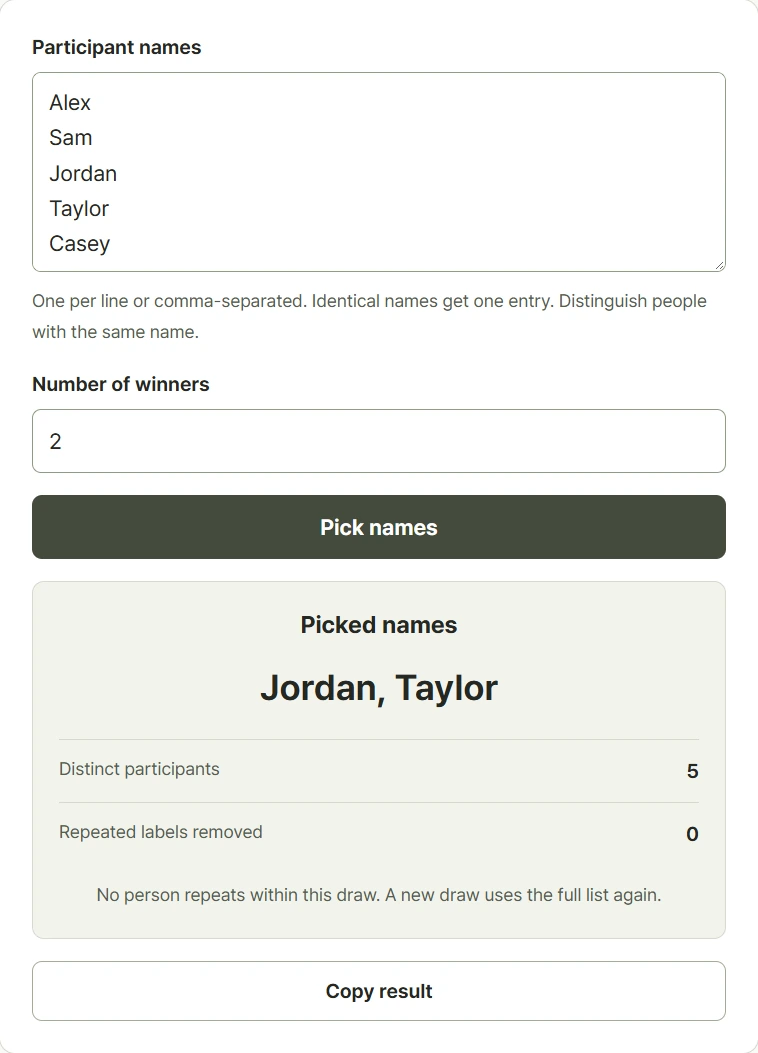
Paste names on separate lines or divide them with commas, then choose how many entries to pick. The tool shows the participant count and returns different names within a single draw. Exactly repeated labels are merged after whitespace is cleaned up, so pasting a name twice does not give that label another entry. Distinguish people who share a name by adding an initial, number, or group. Review the participant list before starting, especially when copying names from another document. Running again uses the full current list. The most recent draws remain visible only while this page stays open, and results can be copied.
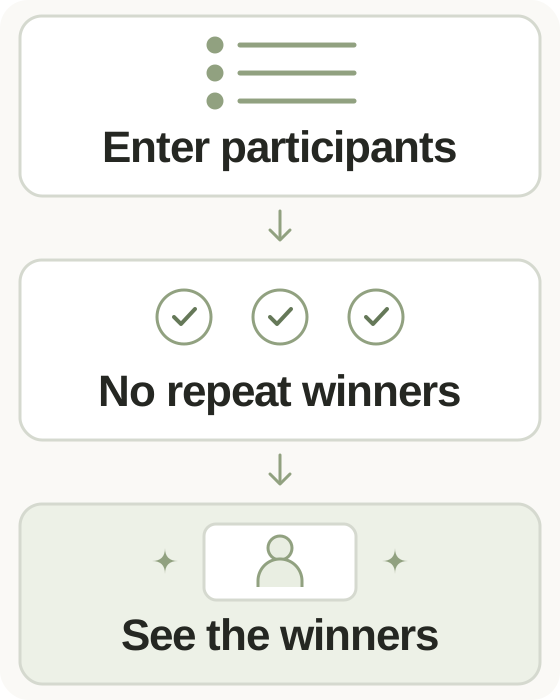
Step-by-step instructions and example screen
From input to result

- Paste participant names separated by new lines or commas.
- Give same-name participants distinct labels and choose how many names to pick.
- Run the draw, check the selected names, and copy the result if needed.
When to use this tool
Select a presenter
Paste the attendance list and draw one participant. Check the cleaned participant count before choosing someone to present.
Choose several volunteers
Request three entries to select three different people in one round, without removing each selected label manually between picks.
Draw from labeled options
Use distinct activity labels instead of names when you need several different choices from a short list.
Examples and calculation method
Worked examples
| Participant list | Requested picks | Result rule |
|---|---|---|
| Alex, Blair, Casey | 1 | One of the three entries |
| Alex, Blair, Casey | 2 | Two different entries |
| Alex, Alex, Blair | 1 | One of two distinct labels |
One entry per distinct label
Names are Unicode-normalized, trimmed, and separated at commas or line breaks. Repeated whitespace inside a label is reduced to one space, and identical cleaned labels are merged. The picker uses Web Crypto randomness to choose distinct entries for the current draw. Enter up to 1,000 items, with no more than forty characters per item and 50,000 characters overall. A draw can select 1 to 100 entries, within the available participant count.
Understanding your result
- Commas separate entries, so do not include a comma inside a participant's label.
- Identical labels merge; add a distinct identifier for different people who have the same name.
- A new draw includes earlier results unless you remove those labels from the current list.
Frequently asked questions
Frequently asked questions
Does repeating a name add extra chances?
No. Identical labels merge into one entry after surrounding and repeated whitespace are cleaned up. Use distinct labels for different people with the same name.
Can the same person win twice in one draw?
A single draw returns distinct entries. A later draw starts from the full current list, so a previous winner can appear again.
How do I exclude a previous result?
Remove that label from the participant input before running another draw. Earlier results are not automatically excluded.
How long does the history remain?
The latest five draws stay on the open page only. They are not recorded in browser storage or on the server and disappear after reloading.