
Make a small decision with a wheel you can customize
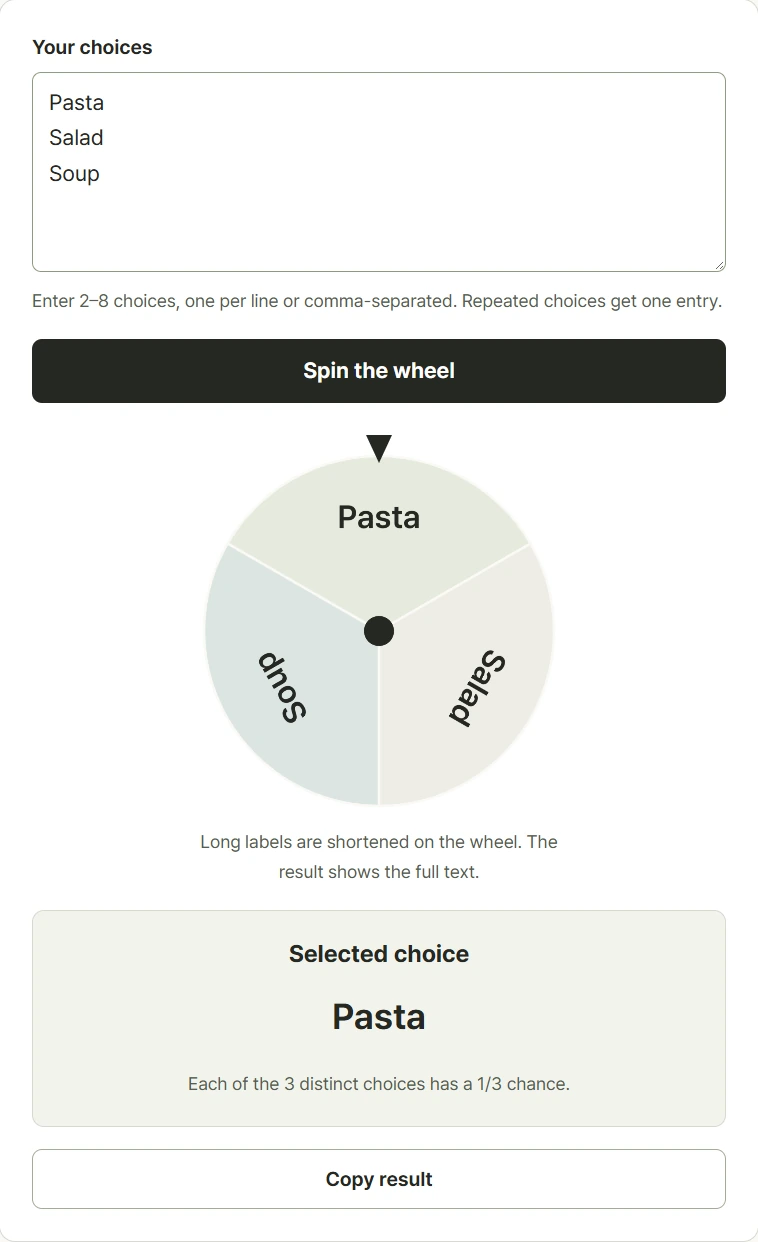
Enter two to eight different options on separate lines or divide them with commas. Each option becomes an equal slice of the wheel, whether the label is short or long. Spin once and read the selected choice beneath the wheel, where the full label remains visible even if the slice uses shortened text. Identical cleaned labels merge into one choice rather than adding weight. You can use meals, activities, names, or other simple options. Decide the list before spinning so everyone understands the choices available. Each spin starts from the complete list, so repeating the previous result is a normal possibility.
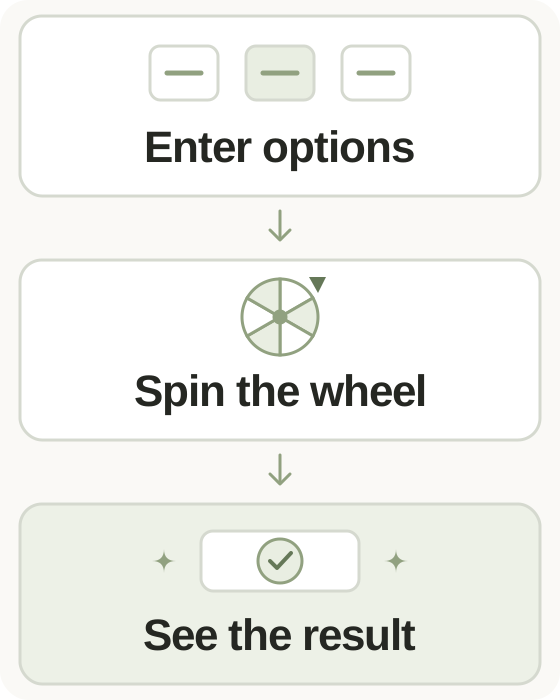
Step-by-step instructions and example screen
From input to result
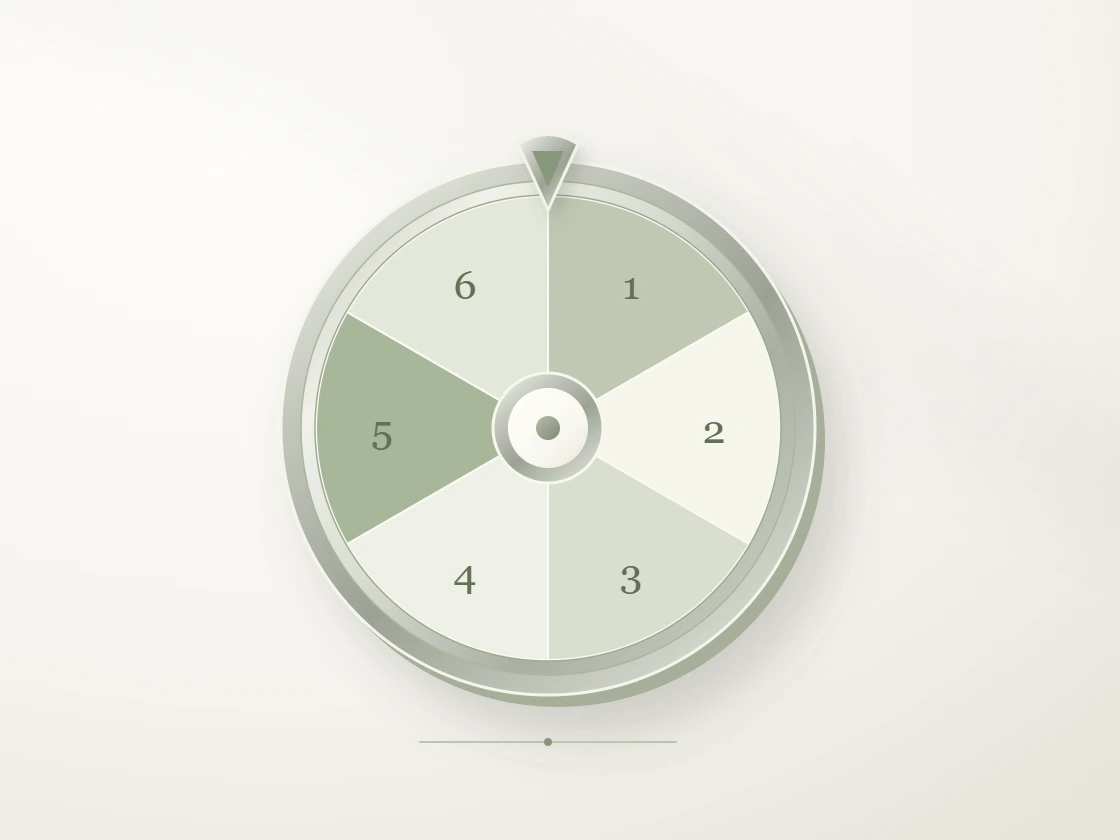
- Enter two to eight distinct choices, separated by lines or commas.
- Check the list and spin the wheel.
- Read the selected choice beneath the pointer and copy the full result if needed.
When to use this tool
Choose between meal ideas
Enter a few meals everyone can accept, review the list, and spin once to select an option from that agreed shortlist.
Pick a short break activity
Add walking, reading, drawing, and another realistic break option. Each distinct activity receives the same chance.
Take turns in a small group
Use participant labels for a small group of up to eight. Remove a selected label before the next spin if repeats should be excluded.
Examples and calculation method
Worked examples
| Choices | Distinct entries | Chance per entry |
|---|---|---|
| Soup, Pasta | 2 | 1 in 2 |
| Walk, Read, Sketch, Cook | 4 | 1 in 4 |
| Soup, Soup, Pasta | 2 after merging | 1 in 2 |
Equal choices with a matching wheel animation
The tool normalizes labels, trims surrounding whitespace, and merges identical cleaned choices. Browser Web Crypto randomness selects one of the remaining entries with equal probability. The wheel then rotates to align that selected slice with the pointer. The animation displays the result rather than changing the odds. Enter two to eight options of up to forty characters each. Reduced-motion preferences shorten the animation without changing the selection method.
Understanding your result
- The wheel needs at least two distinct options after duplicate labels are merged.
- Choice lengths do not change their probabilities, and this wheel has no weighting control.
- Every spin is a new selection from the current list; remove an option yourself if it should no longer be eligible.
Frequently asked questions
Frequently asked questions
Can I give an option extra weight?
No. Each distinct choice has an equal chance and an equal wheel slice. Identical cleaned labels merge rather than increasing that choice's weight.
Can the same result appear twice?
Yes. Every spin selects from the full list again, so the previous choice can be selected on the next spin.
Why is my label shortened on the wheel?
Space inside a slice is limited. The result area shows the full selected label, which can contain up to forty characters.
Can the spinning motion be reduced?
Enable your device or browser's reduced-motion preference. The result uses the same selection method with a shorter animation.